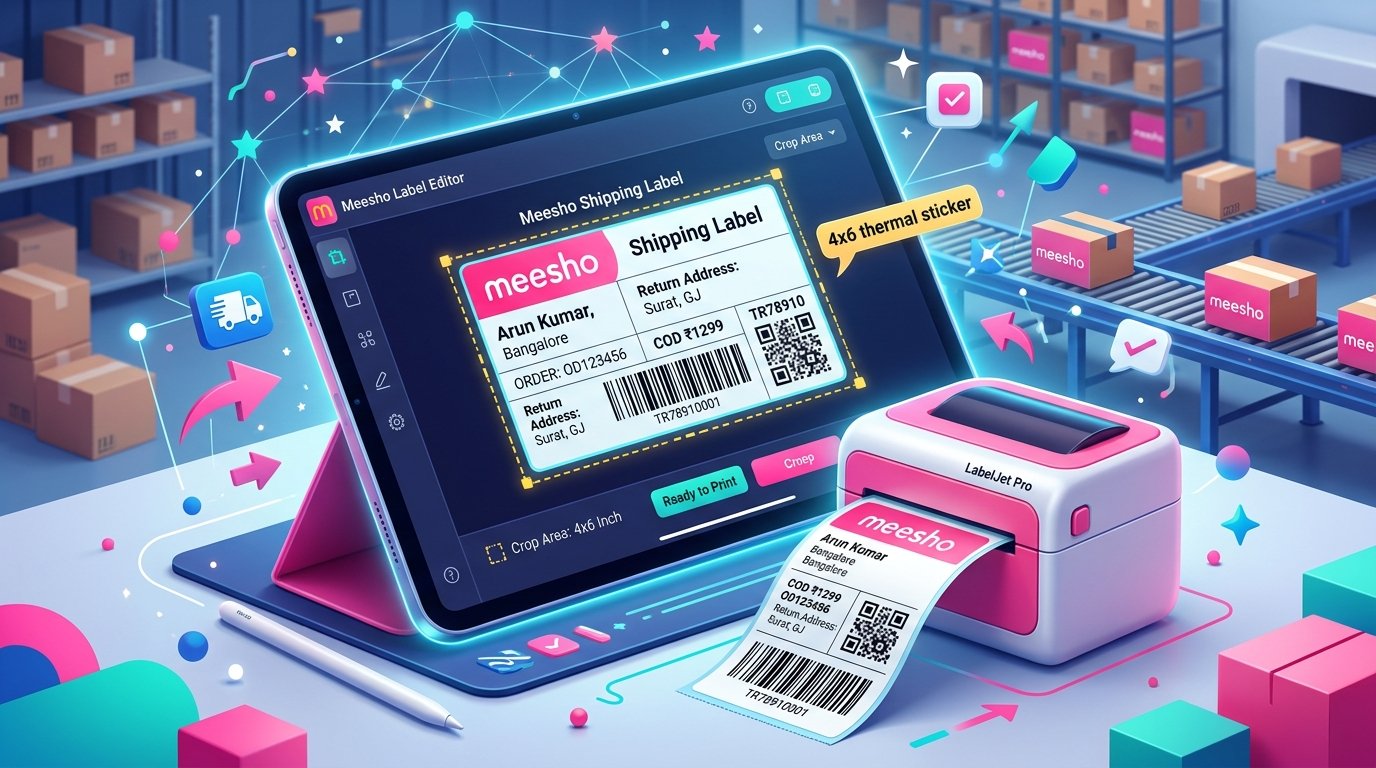
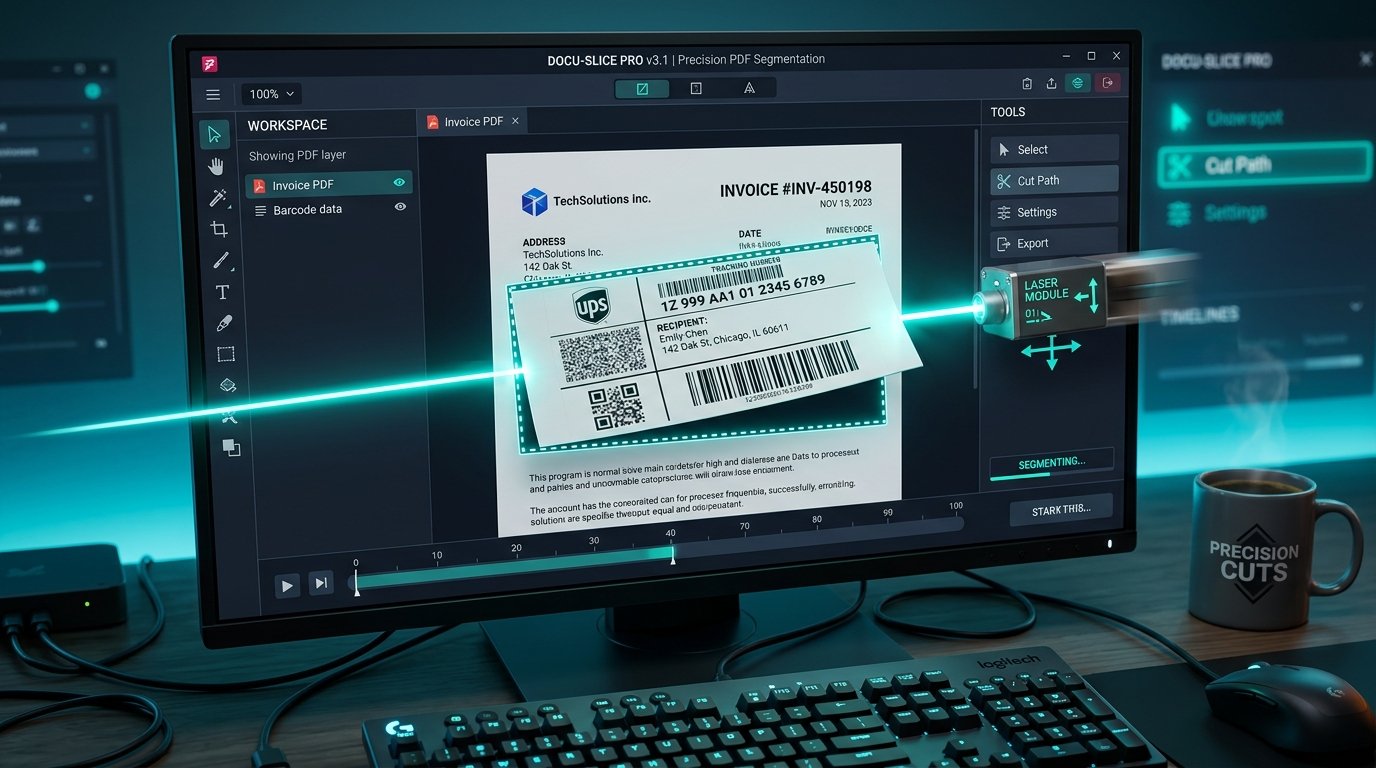
Managing order dispatch is chaotic when you process hundreds of orders daily. When you download shipping labels from the Meesho supplier panel, they are generated in a random order. One label might be for Delhivery, the next for Valmo, and the next for XpressBees. If you print and pack them in this mixed sequence, handing over the packages to the correct courier boys becomes a massive headache. Sorting your labels by courier partner before you print is a critical operational step for serious sellers.
Why courier-wise sorting matters for Meesho sellers
When you have a mixed pile of 200 packed orders, and the Shadowfax agent arrives for pickup, you have to manually dig through the entire pile to find his specific packages. This wastes your time and irritates the courier agent. Often, sellers accidentally hand over a Delhivery package to a Valmo agent. The wrong courier will scan it, it will show an error, and the package will get left behind or lost in transit.
By sorting your labels before printing, you can pack all your Valmo orders in one batch, put them in a dedicated sack, and label the sack. When the Valmo agent arrives, you simply hand him the single sack. The scanning process takes two minutes instead of twenty. This eliminates wrong handovers and ensures your packages leave the warehouse on time, preventing late dispatch penalties from Meesho.
How Meesho assigns courier partners
You cannot choose which courier takes your packages. Meesho uses an automated allocation system based on the buyer pin code, the package weight, and the performance of logistics partners in specific regions. The main courier companies handling Meesho shipments include Valmo, Delhivery, Shadowfax, XpressBees, Ecom Express, and Ekart.
Meesho dynamically assigns these partners when the buyer places the order. Because the allocation depends on the buyer location, your daily batch of 100 orders will usually be split randomly across three or four different logistics companies. The courier name is printed in small text on the shipping label, usually near the barcode or the AWB number.
Step-by-step: how to sort labels by courier using TheLabelCutter
Sorting PDFs manually is impossible without specialized software. TheLabelCutter provides a free utility to automatically sort your bulk Meesho PDF file into groups for each courier.
First, download your bulk label PDF from the Meesho panel. Do not print it yet. Go to thelabelcutter.com and open the invoice tool. Upload your bulk PDF file into the drop zone.
Second, select the sort by courier option. The tool will process the document in your browser. It scans every single page, identifies the courier partner, and groups the pages together. For example, if you have 100 mixed labels, it will group all 30 Delhivery labels together, all 40 Valmo labels together, and so on.
Third, download the sorted output. Your final PDF has all the courier-grouped pages in sequence. You can print them one group at a time, keeping the physical labels completely separated by courier from the moment they come out of the printer.
How the tool auto-detects courier from label text
The sorting engine works by reading the embedded text layers within the PDF file generated by Meesho. When Meesho creates the label, they embed the name of the logistics partner in a specific region of the document. TheLabelCutter tool scans these specific coordinates on every page to find keywords like XpressBees or Ecom Express.
Because the tool reads the text layer rather than using slow optical character recognition on images, the sorting process is instant. It can sort a 500 page PDF in less than three seconds. The process runs locally using your computer processor, meaning your customer data is not uploaded to the cloud, ensuring total privacy and fast performance even on slow internet connections.
Pickup handover process: what courier agents need from sellers
Courier pickup agents have strict targets. They have to visit dozens of sellers in their assigned area before the cutoff time. When an agent arrives at your warehouse, they need to scan the manifest barcode and then scan the individual AWB barcode on every package to accept the shipment into their system.
If you have your packages pre-sorted into separate bins by courier, the agent can continuously scan their specific batch without stopping. They do not have to check the small text on the label to see if the package belongs to them. This organized handover process builds goodwill with the pickup agents. When agents know your warehouse is organized, they prioritize your pickups and are more willing to wait if you need an extra five minutes to pack a last-minute order.
Time savings: example with 100 orders mixed vs sorted
Let us look at the actual time saved in a warehouse processing 100 orders a day. If you pack 100 mixed orders, they end up in a massive pile on the floor. When the Ekart boy arrives for his 20 packages, your staff spends 15 minutes physically picking up every package, reading the label, and pulling out the Ekart ones.
When the Delhivery boy arrives later, your staff repeats this digging process for another 15 minutes. Across four different couriers, you waste an hour of labor time just finding packages. If you use the sorting tool, your staff packs all Ekart orders consecutively and puts them in an Ekart sack. Finding the packages takes zero minutes. Over a month, this simple digital sorting step saves you 30 hours of manual labor, allowing you to process more orders with the same warehouse staff.
Frequently asked questions
Does sorting labels change the size of the barcode?
No. The sorting tool only changes the page order. It does not alter the label dimensions, the barcode quality, or the buyer details. Your labels remain exactly as Meesho generated them, just organized logically.
What happens if a label has a courier the tool does not recognize?
The tool is constantly updated to recognize all active Meesho logistics partners. If a rare or regional courier is not recognized, the tool will place that specific label into a separate group at the end, so no orders are ever lost.
Can I crop the labels and sort them at the same time?
Yes. TheLabelCutter allows you to combine functions. You can upload your raw A4 Meesho file and configure the tool to both crop the labels for your thermal printer and sort them by courier partner in one single step.
Is this safe for customer data privacy?
Absolutely. The sorting algorithm runs entirely within your web browser using JavaScript. The PDF file is never transmitted to an external server. The data remains strictly on your local machine.