Learning how to merge multiple PDF shipping label files into one document streamlines your entire packing routine. When you manage an active eCommerce store, you rarely download all your daily orders at exactly the same time. You might download a batch of 50 orders at 10 AM, another 30 orders after lunch, and a final batch of 20 just before the courier cutoff time. This leaves you with multiple separate PDF files scattered across your downloads folder. Opening, cropping, and printing each file individually wastes valuable minutes and increases the chance of missing a batch completely.
Using a reliable, free merge tool allows you to combine all these separate files into a single master document before you start processing. You can manage your dispatch flow much more efficiently, ensuring that the packer gets one continuous list of labels to work through. This process is essential for maintaining order accuracy and speed on the packing floor.
Why sellers need to merge label PDFs
Marketplaces like Meesho have limits on how many labels you can generate in a single click. If you have 300 pending orders, the platform might force you to download them in batches of 100. This leaves you with three separate A4 PDF files. If you run these through a crop tool separately, you have to manage three different print jobs.
Merging the files first solves this problem. You combine the three original files into one massive 300-page document. Then, you run that single master file through your label crop tool. You get one final file perfectly formatted for your thermal printer. This reduces the number of clicks required and ensures the printer runs continuously without stopping between jobs.
TheLabelCutter PDF merge tool: how to upload multiple files
TheLabelCutter provides a simple interface specifically designed for merging shipping documents. The process is straightforward and built for speed.
When you open the merge tool on the website, you will see a large drop zone. You can select all your separate PDF files from your computer and drag them into this box simultaneously. The tool will display a list of the uploaded files. You do not need to upload them one by one. The system handles bulk uploads seamlessly, allowing you to prepare your entire daily volume in a few seconds.
The merge order: how to control file sequence before merging
The order in which you merge the files matters. If you download priority orders first, you want those labels to print first. TheLabelCutter interface allows you to visually arrange the files before combining them.
Once you upload the files, you can click and drag them up or down in the list to change their sequence. Ensure your morning batch is at the top and your afternoon batch is at the bottom. When you click the merge button, the software will stitch the documents together in the exact order you specified. This keeps your physical printouts chronological, which helps if your packing team works through orders based on the time they were received.
Multi-platform sellers: merging Meesho + Flipkart + Amazon label files
Many Indian sellers operate on multiple platforms simultaneously. You might have 40 orders from Meesho, 20 from Flipkart, and 15 from Amazon. Processing these separately creates chaos on the packing table. Packers get confused switching between different platform requirements.
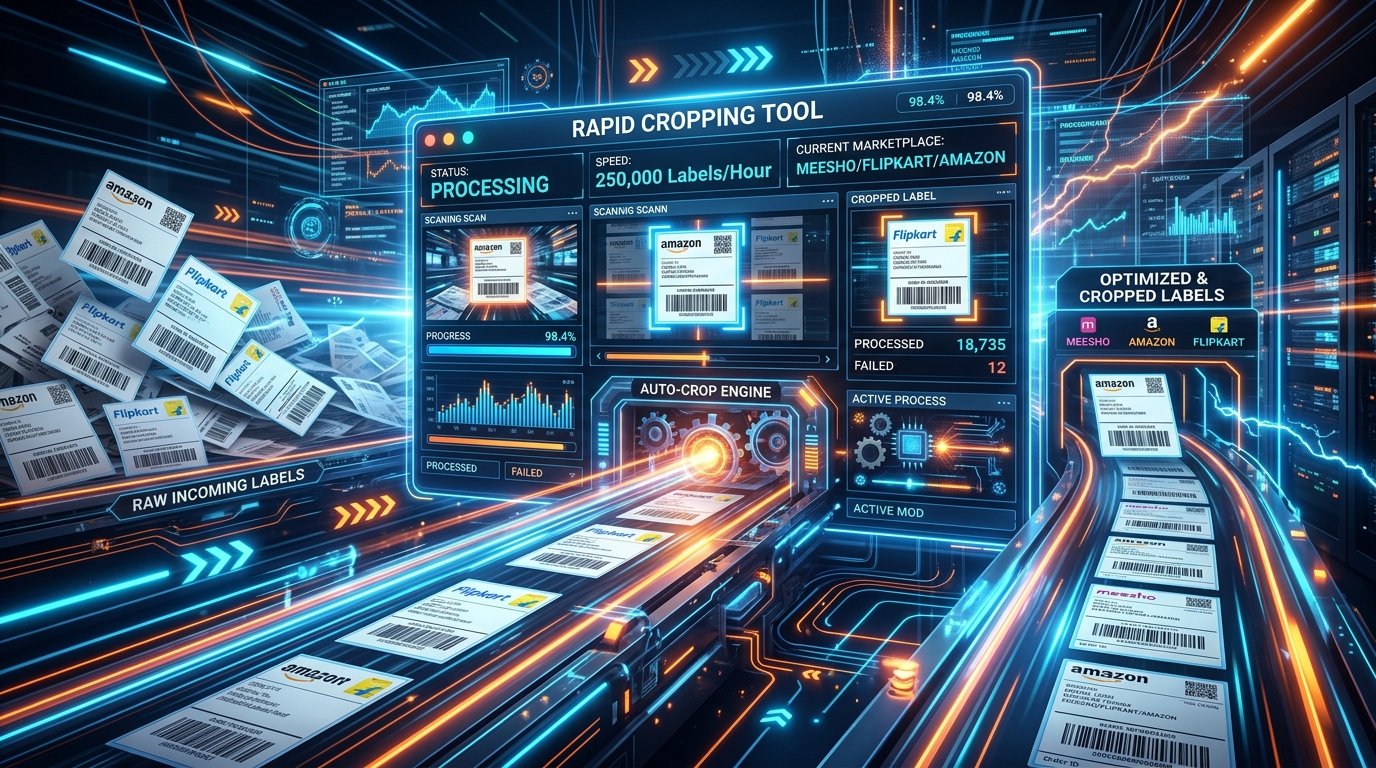
You can use the merge tool to combine the PDFs from all three platforms into a single file. You can then run this combined file through the label crop tool. The software is smart enough to recognize the different formats. It will crop the Meesho labels, adjust the Flipkart labels, and format the Amazon labels, all in one go. Your packer simply takes the continuous roll of printed labels and applies them to the packages, regardless of which marketplace generated the sale.
When to merge vs when to keep separate
While merging is generally more efficient, there are specific situations where keeping files separate is the better strategy.
You should merge files when all the orders use the same courier company or when you plan to use the Courier Sort feature during cropping. Merging is also best when you have a small, dedicated packing team that can handle a mixed batch of products.
You should keep files separate if you divide work among different staff members. If Packer A handles all clothing and Packer B handles all electronics, you should download those categories separately. You should also keep them separate if a specific courier vehicle has already arrived and is waiting for a specific batch.
Browser-based: why no data is uploaded to servers
Shipping labels contain sensitive customer information, including full names, physical addresses, and sometimes phone numbers. Uploading these documents to random free PDF websites exposes your business to data breaches and privacy violations.
TheLabelCutter merge tool operates entirely on the client side. This means the actual merging process happens inside your computer web browser using JavaScript. The PDF files never leave your device. They are not transmitted over the internet to a central server. This guarantees absolute data privacy. It also means the merge happens instantly, as you do not have to wait for large files to upload and download on a slow broadband connection.
Alternative tools vs TheLabelCutter: comparison
- Adobe Acrobat: Powerful but expensive. Requires a paid subscription and uses a lot of computer memory. Overkill for simply stitching files together.
- SmallPDF / iLovePDF: These are popular free tools, but they require you to upload your files to their servers. This is a privacy risk. They also often have strict daily limits on how many files you can process for free.
- TheLabelCutter: Free, unlimited processing, completely private (runs locally), and specifically designed to handle the exact file structures generated by Indian marketplaces.
Frequently asked questions
Is there a limit to how many files I can merge at once?
The tool does not impose a hard limit. The only restriction is the processing power and memory of your device. Most modern laptops can easily merge 20 to 30 PDF files containing hundreds of pages in just a few seconds.
Will merging reduce the barcode quality?
No. The merging process strictly combines the document structures without rasterizing or compressing the images. The vector quality of the barcodes remains identical to the original downloads.
Can I merge files that have different page sizes?
Yes. The tool handles different page dimensions perfectly. If you merge a standard A4 PDF with a file that is already cropped to 4x6, the resulting document will simply contain pages of varying sizes.
Do I need to install any software to use this?
No installation is required. The tool runs completely within your standard web browser like Chrome, Edge, or Firefox. Just visit the website and start merging.